
AI Personal CRM · Voice-first · iOS

Never lose touch.
Never miss a follow-up.

Keep is a lightweight, AI-powered personal CRM. Speak or type a note about anyone — AI pulls out the people, dates, and follow-ups and files them into one timeline per relationship. No forms. No busywork.

Voice-first AI-powered iOS-native

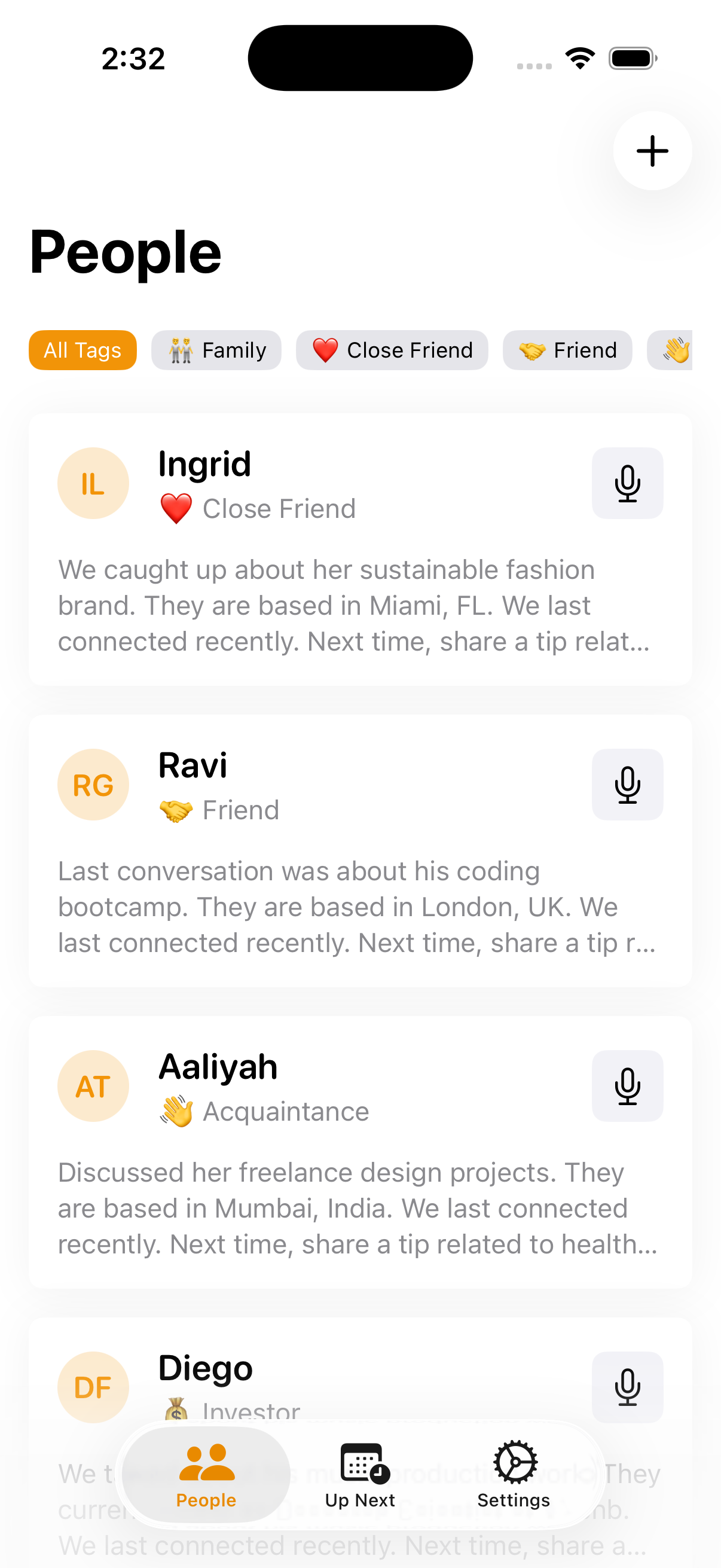
Keep app showing the People list sorted by last contact
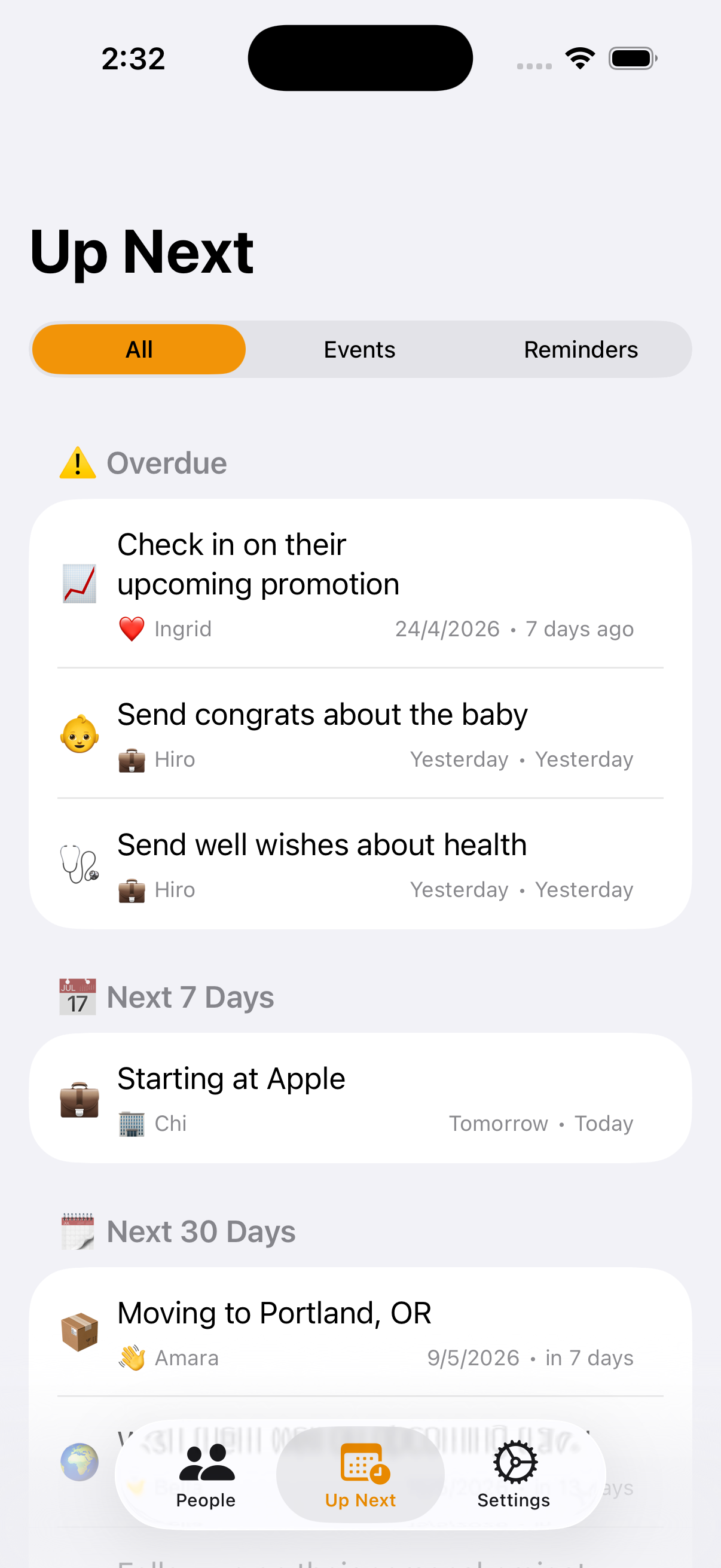
Up Next view with auto-scheduled follow-ups
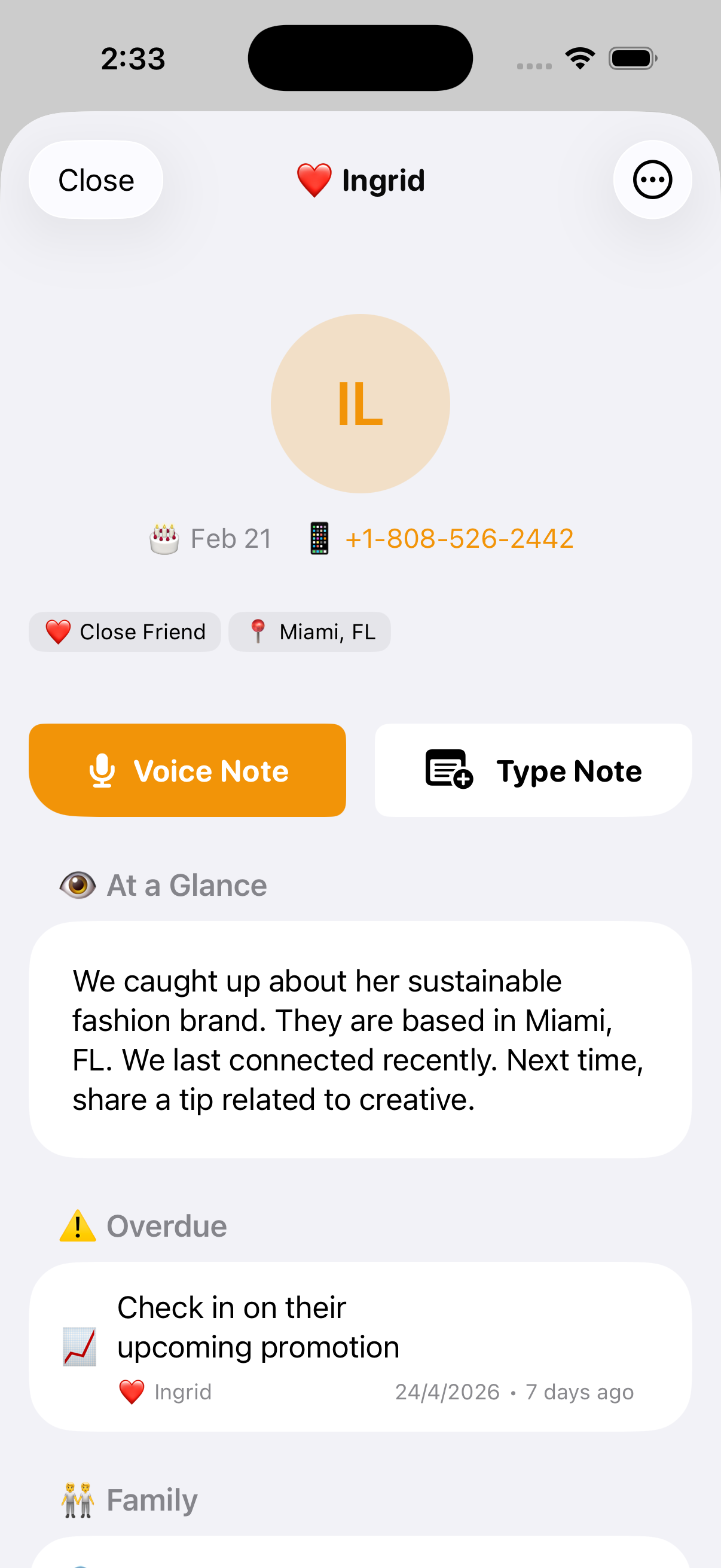
Person detail view
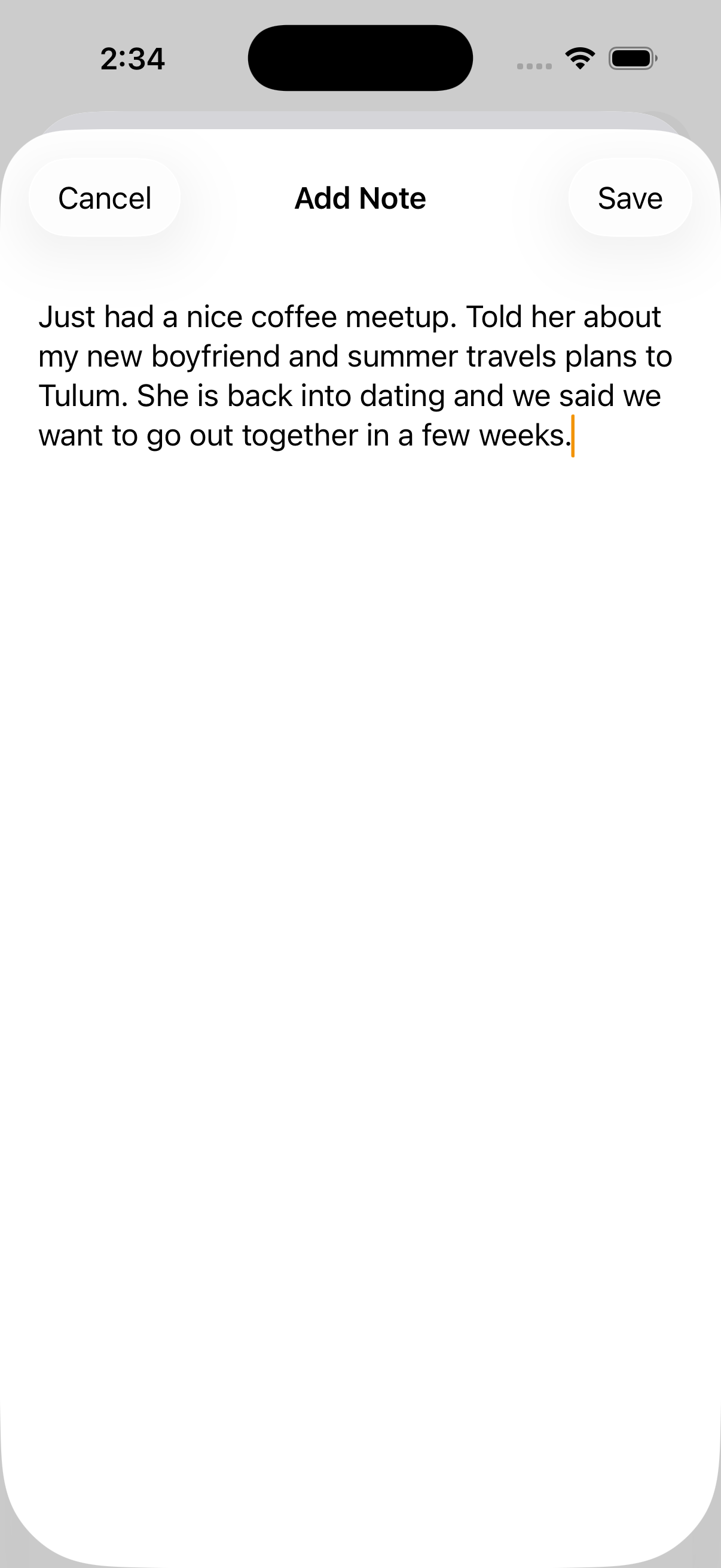
Voice note capture screen

Sorted by who you haven't talked to in a while.

How it works

From voice note to follow-up in three steps.

No setup. No forms. No tool you have to feed. You just talk — the AI does the structuring.

  1. 01

    Add a contact

    Pull from your iPhone contacts or start fresh. Tag them however you think — friend, client, lead, family, that person you keep meaning to call.

  2. 02

    Record a voice note

    After a coffee, a call, a walk. Just talk for ten seconds. Keep transcribes it and parses out the people, dates, and details.

  3. 03

    AI schedules the follow-up

    "Send the deck Friday." "Call Mom next week." Keep extracts the next step, sets a reminder, and surfaces it when you need it.

Same loop. Different stakes.

Keep doesn't care if it's your sister or a Series A lead. The relationships that compound — personal and professional — work the same way.

For your personal life

Be the friend people remember.

For the people who matter — and the small details that keep the bond alive.

  • · Remember the kid's name, the trip they're nervous about, the book they loved.
  • · Birthday and anniversary reminders that nudge you a week before, not the day of.
  • · See who you haven't checked in with in months — and reach out before the silence gets weird.
  • · Gift ideas captured the moment they mention them.

"Be the friend they remember."

For your work

A CRM without the Salesforce tax.

For sales reps, freelancers, consultants, and founders who need to follow up — not file paperwork.

  • · Speak a note after every meeting. AI surfaces the next action and sets the reminder.
  • · Sort prospects by who's gone cold. Reach out before they ghost.
  • · Track context across every conversation — no admin tab, no required fields.
  • · Works on your phone, where the conversations actually happen.

"Close the loop. Without the loop tracker."

What AI does for you

You talk. The AI does the work.

Six jobs you'd otherwise do by hand — handled the moment you finish a note.

01

Transcribes

Dictate as long as you want. AI turns your voice into clean text — no typing, no cleanup afterward.

02

Extracts

Names, dates, follow-ups, preferences, family, gift ideas — pulled out of your note and filed automatically.

03

Understands natural language

"Next Friday," "before the launch," "in two weeks." AI reads dates the way you say them and sets the reminder.

04

Summarizes

Every relationship distilled onto one scannable page — and the AI keeps it current as you add notes.

05

Surfaces the next action

What to say, when to reach out, what they care about. The AI tells you who needs you next.

06

Sorts by last contact

One tap. See exactly who you've been neglecting — friends, leads, family, anyone. The list that actually matters.

AI in action

Just talk. The AI figures it out.

One rambling voice note in. People, dates, and follow-ups out — filed where they belong.

🎙 Raw note

"Just got off the call with Maya — she's interested but wants to see the pricing breakdown by next Friday. Also her co-founder Dev mentioned they're hiring a head of design, told her I'd intro Priya from the dinner last month."

✨ Auto-structured
  • 👤
    Maya Interested · wants pricing breakdown
  • 📅
    Send pricing to Maya Due Friday · reminder set
  • 🤝
    Intro Priya → Dev Head of design role
  • 🧠
    Context: Dev Maya's co-founder · hiring

Your relationships stay yours.

Keep is local-first. Your notes live on your iPhone — encrypted at rest, never sold, never mined. The AI is used to summarize and structure your notes, never to store them: it processes the text only when you ask, and we don't keep a copy.

Read the privacy policy →
Common questions

Quick answers.

Is Keep for personal relationships or for work?

Both. Keep is built for anyone you don't want to fall out of touch with — friends, family, clients, prospects, investors, freelance leads. The same voice notes that help you remember a friend's kid's name help you remember a client's project deadline.

How is Keep different from Salesforce or HubSpot?

Keep is a personal CRM — voice-first, mobile-only, and built for individuals, not enterprise sales teams. No pipelines, no opportunity stages, no admin overhead. Just people, notes, and follow-ups.

Is Keep free?

Yes — Keep is free to start. There's an optional Premium subscription that unlocks unlimited notes and extra features.

Where is my data stored?

All your personal data — contacts, notes, events, reminders — is stored locally on your iPhone. It never leaves your device unless you opt into the AI features, which only process the text of your note and immediately discard it.

Does Keep work offline?

Yes. All core features — viewing, editing, and adding notes — work fully offline. Only AI structuring and voice transcription require an internet connection.

What devices does Keep support?

Keep is an iPhone app built for iOS 18 and later. There's no Android, web, or macOS version at this time.

Never lose touch.
Never miss a follow-up.

Free to start. Built for iPhone. No spreadsheet required.

Download on the App Store